Use a suggested term
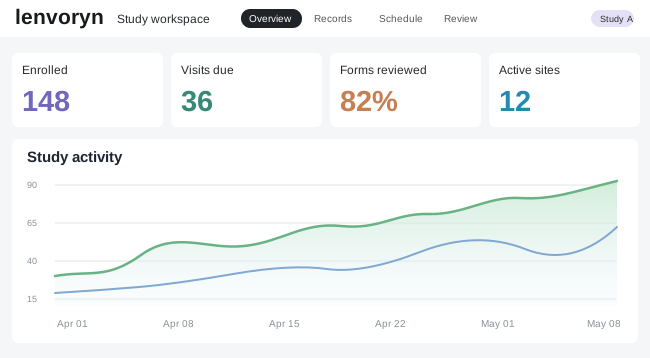
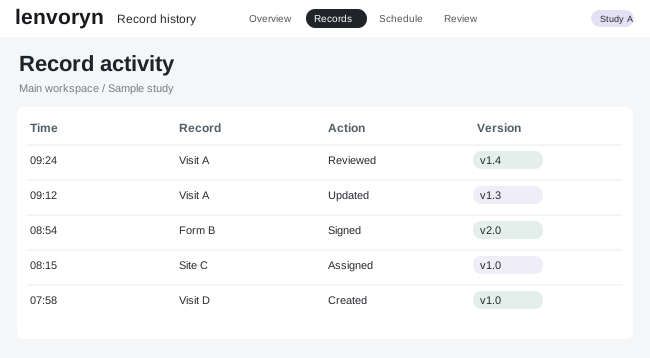
Open a prepared example and examine the matching term beside its original study note.
Meet Lenvoryn Insight
Lenvoryn Insight brings suggestions into the same interface your team uses to review study data. Look at the source, compare a proposed term and keep the reviewer’s decision attached to the record.
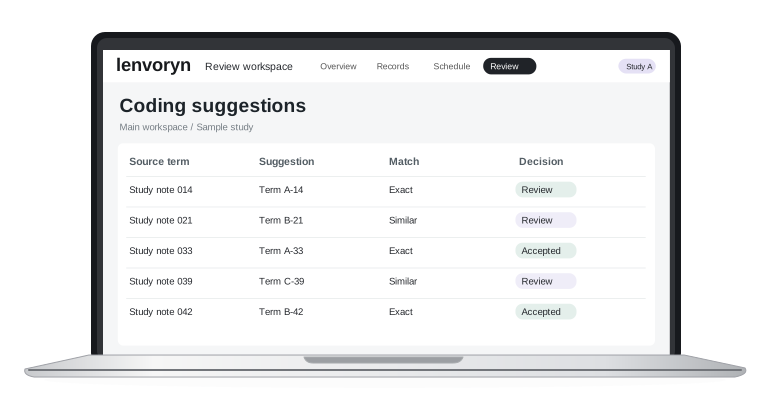

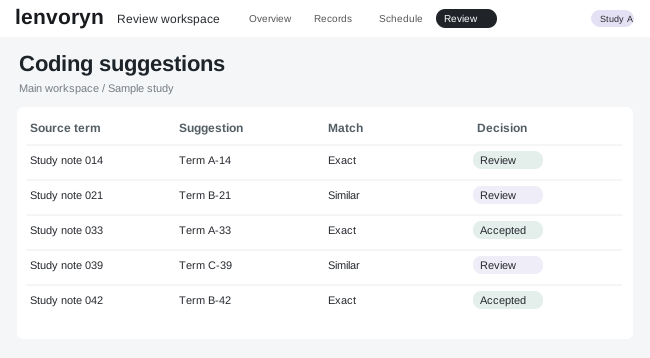
Start with the small, repeated decisions in a review queue. A suggestion gives the reviewer a starting point and the record preserves the outcome.
Open a prepared example and examine the matching term beside its original study note.
Return the record for review when the suggestion does not fit the context.

Move through a small set of illustrative records and see how an individual decision changes the queue.
The guided interface uses prepared suggestions and sample records to show the review experience.
The reviewer can accept the sample suggestion or flag the record for another check.
Choose a guided walkthrough or tell us which part of the platform you would like to see.